Lina · iPhone
You already own
the outfit.
Lina turns the clothes in your room into something you can actually see — then tells you what to wear.
Requires iOS 26 or later. Free during the beta.
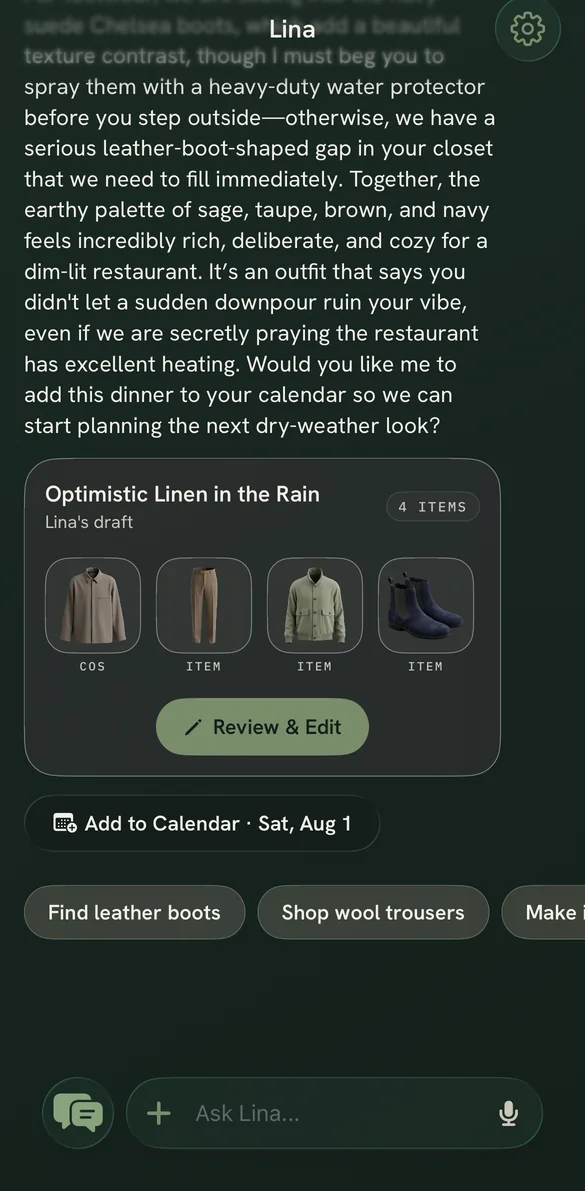
It is 7:40am. It is eleven degrees. You are standing in front of a full closet with nothing to wear.
You are not short of clothes. You just cannot see them. Lina fixes the seeing — and then answers the question.
The moment
Photograph it once. Watch it become yours.
Lay the jumper on the bed and take one photo. A light runs the edges while Lina looks at it — and what comes back is not a picture of your duvet. It is the piece itself, cut out, lit, and filed under its own name.
Photograph a whole outfit if you like. Lina takes the one garment you meant and quietly ignores the rest of the room.
Try it on your own wardrobe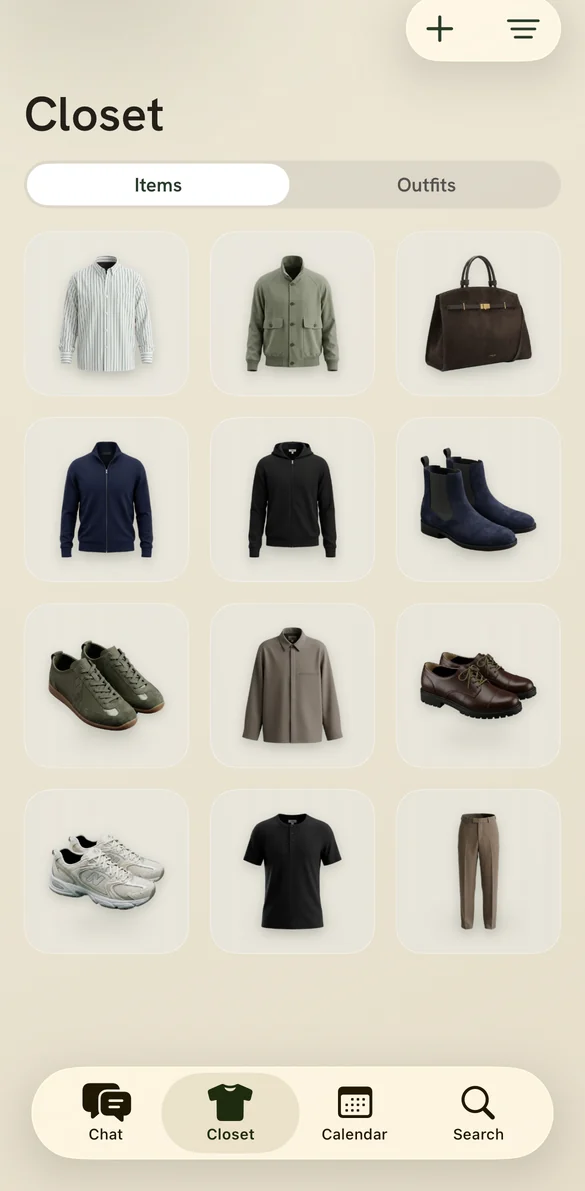
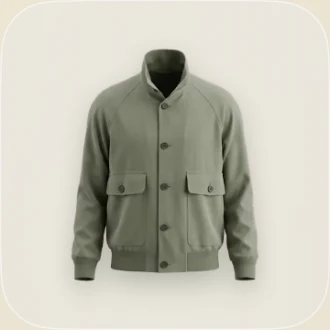
Your wardrobe
This is what it looks like when you can finally see it.
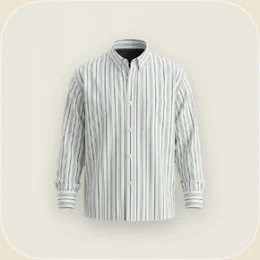
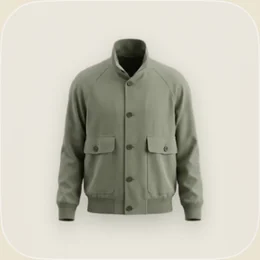
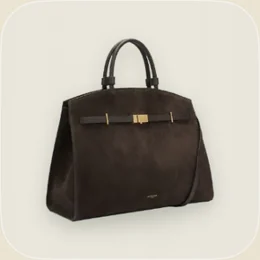
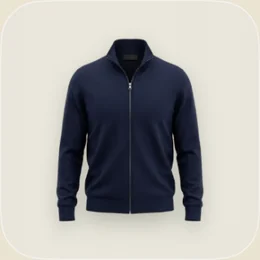
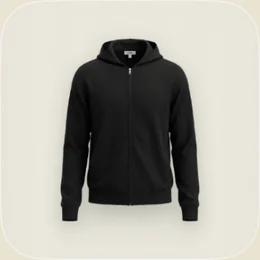
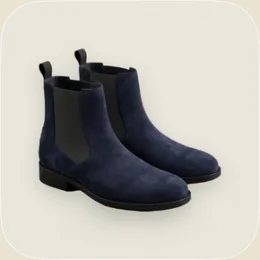
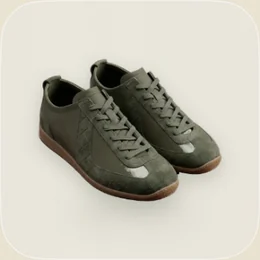
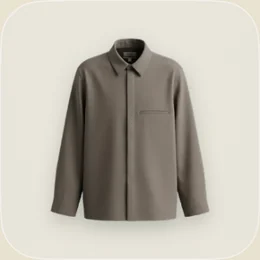
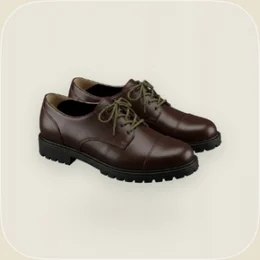
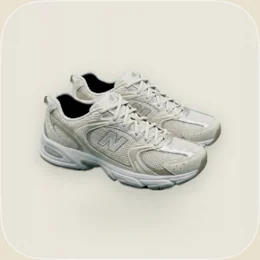
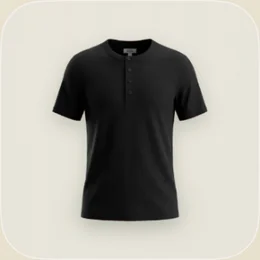
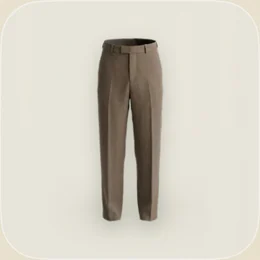
Every piece above is a real photograph, cut out by Lina.
From photo to wardrobe
Three taps, then it is out of your hands.
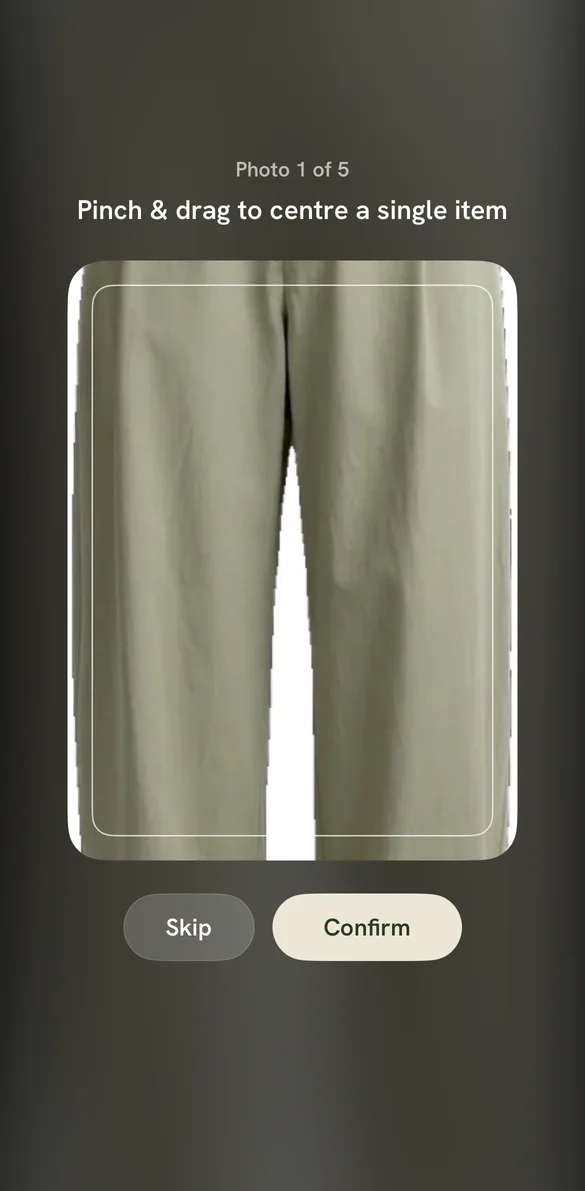
Frame it
Pick a photo, or take one. Pinch to centre the piece you mean.
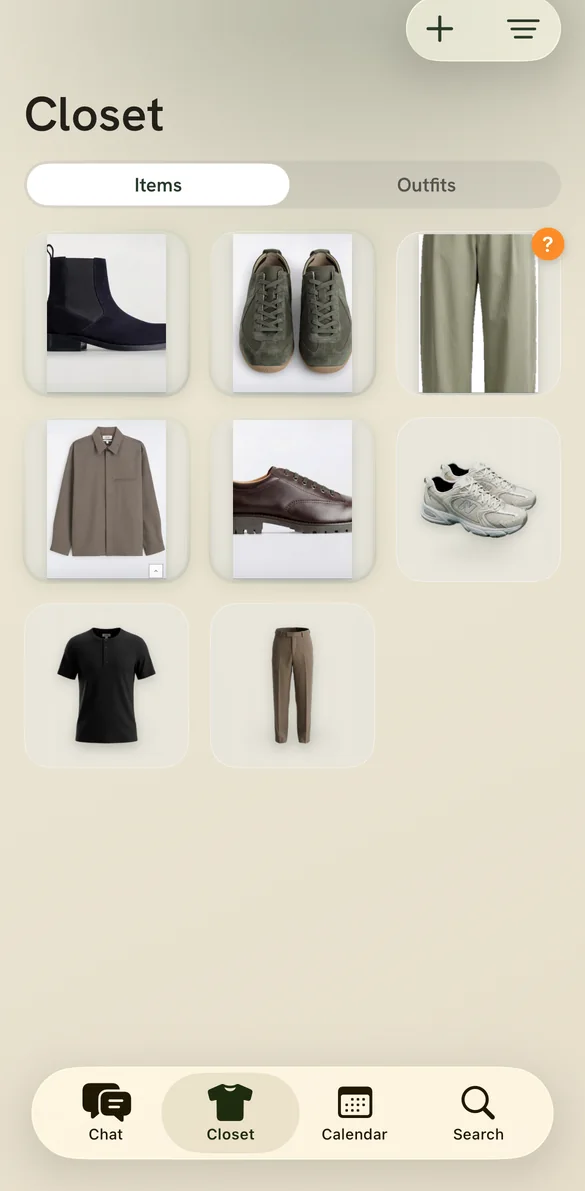
Watch it work
A light runs the edges while Lina reads the garment.
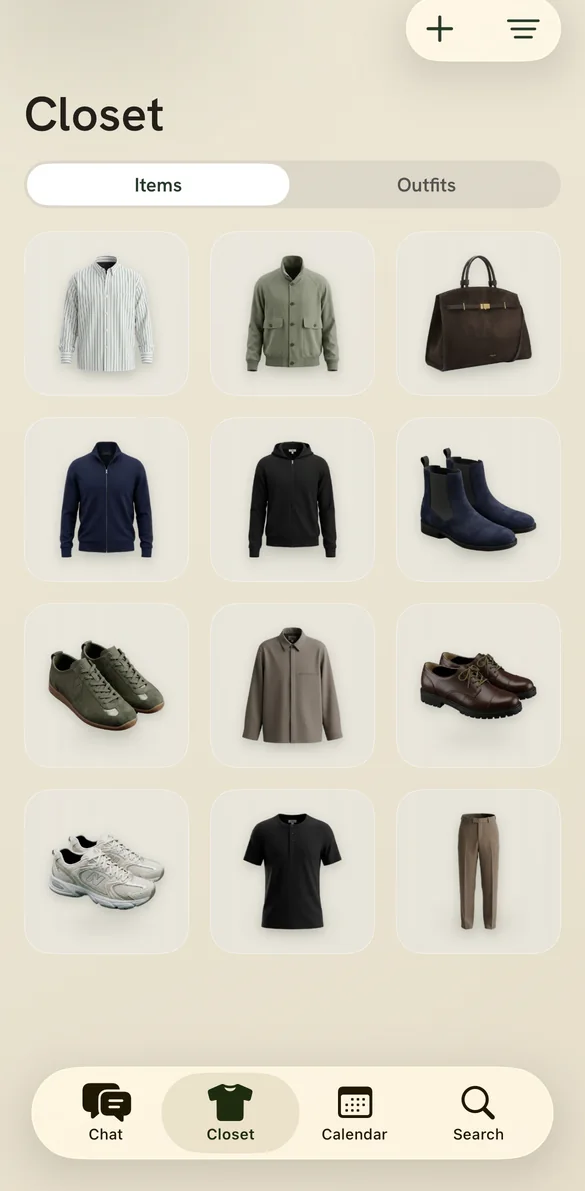
It is filed
Cut out, lit, named, and on the shelf with everything else.
Your closet
Everything you own, on one screen.
No more archaeology at the back of the wardrobe. Every piece sits as a clean cutout on its own card, the way a gallery hangs a painting — and the things you forgot you owned become the obvious answer.
It opens instantly, and it works underground. Your wardrobe lives on your phone, not on a server you have to wait for.
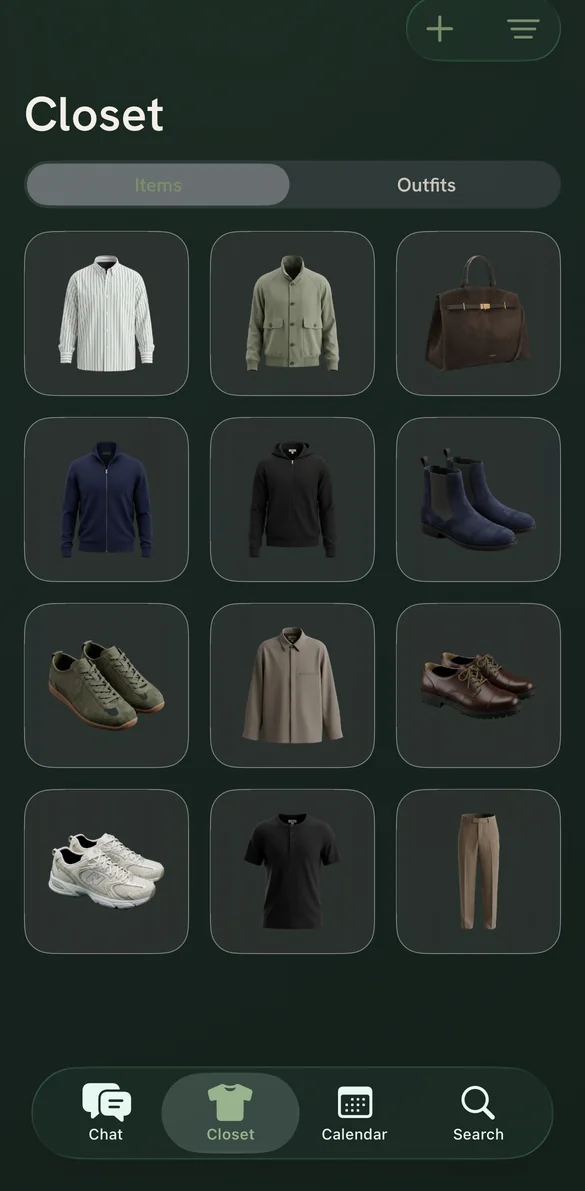
Every piece
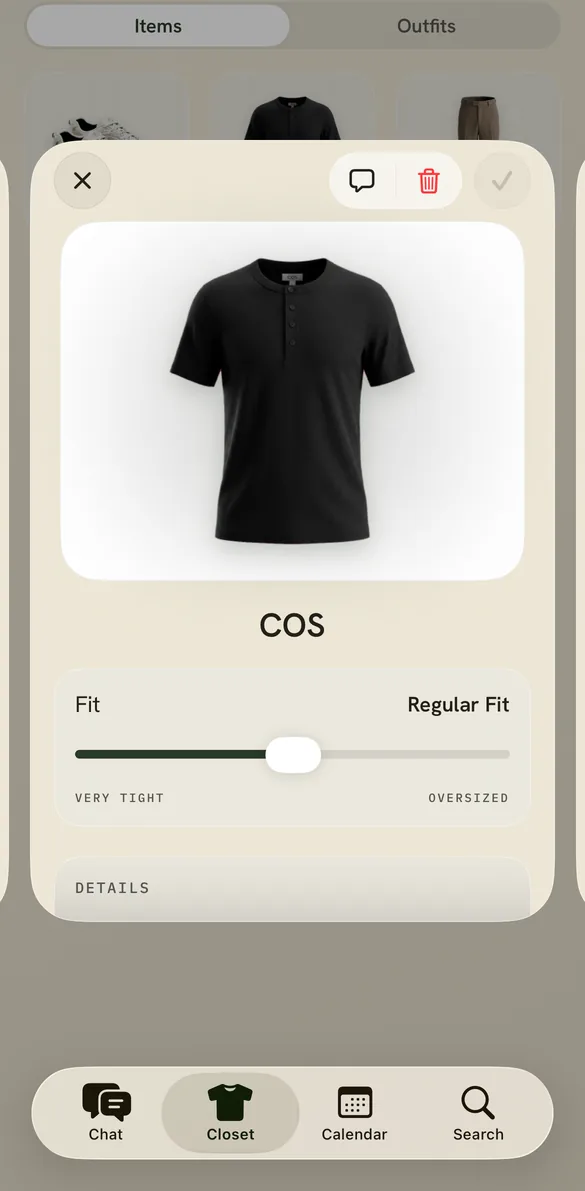
It knows the jumper better than you do.
The brand off the label. The real colour, not "black-ish". How it actually fits you, from very tight to oversized. Lina reads what it can see and never invents the rest — and anything it gets wrong, you fix in a tap.
That is what makes the answers good. A stylist who has genuinely been through your wardrobe gives better advice than one who has not.
Outfits
Looks you can keep.
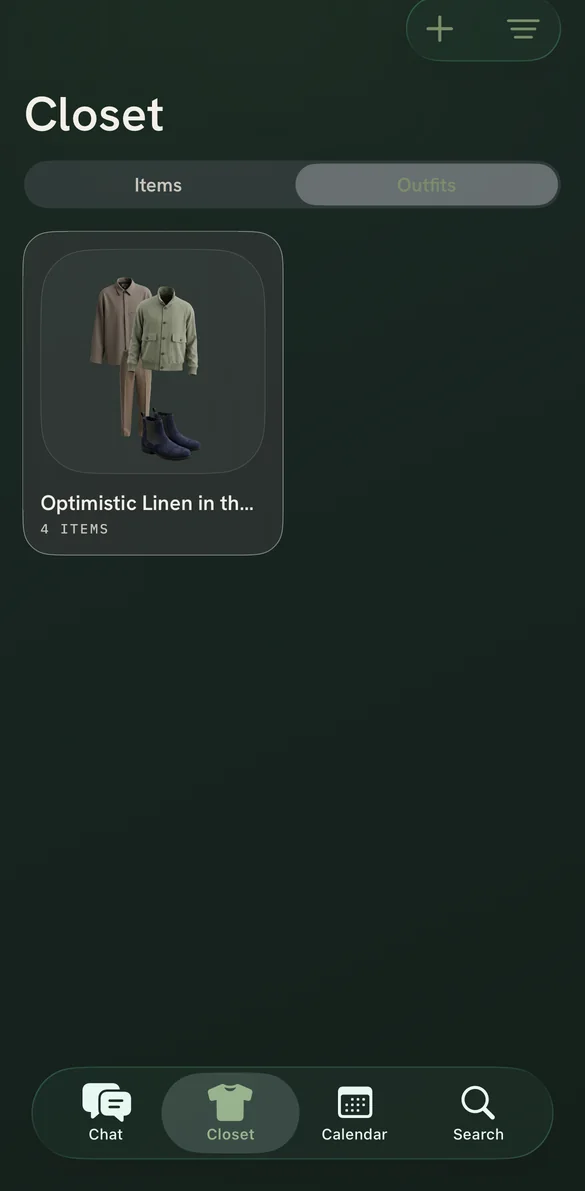
Every outfit Lina builds can be saved, renamed and edited. They are laid out the way you would lay them on the bed — jacket, trousers, shoes — so you can see the whole thing at a glance.
Build your own from scratch too, dragging pieces from a carousel of everything you own.
Ask anything
A stylist that has read your whole wardrobe.
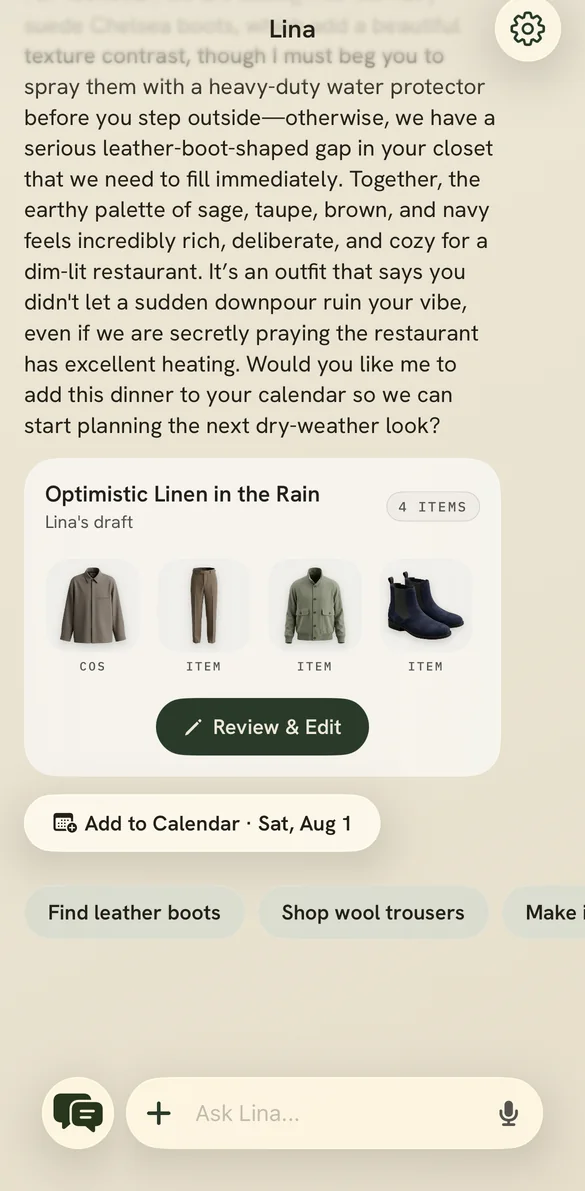
“It is eleven degrees and raining, and I have dinner with friends tonight.” Lina checks the weather where you are, goes through what you actually own, and comes back with a named outfit — not a mood board.
It knows the suede boots will not love the rain, and says so. Save the look, or put it straight in the calendar.
Find it
Search the way you think.
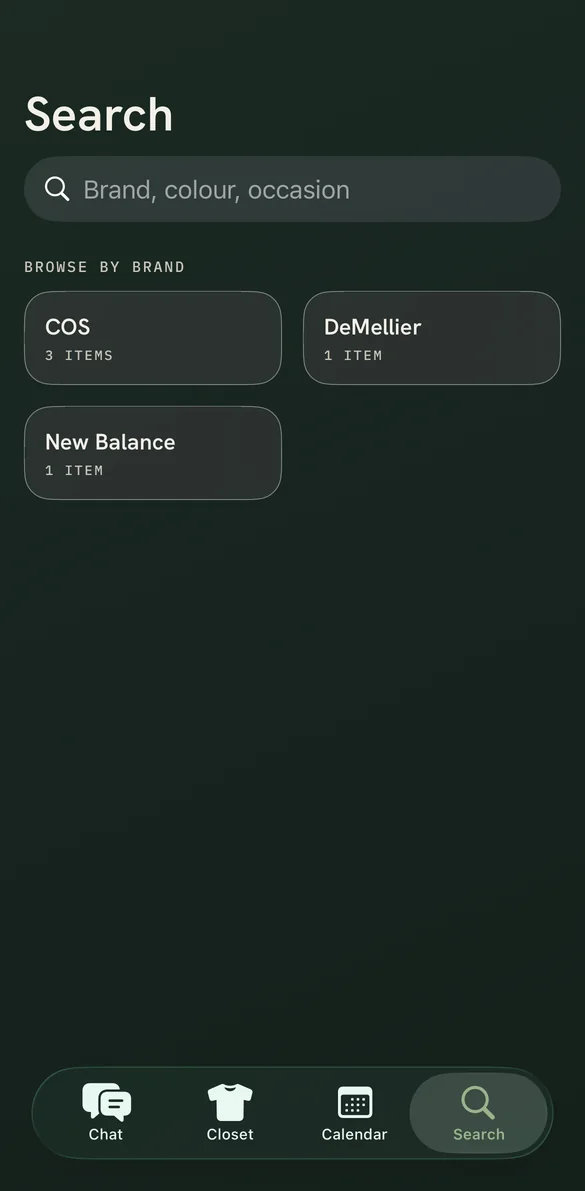
By brand, by colour, by occasion. Lina reads the brand off the label when it can see one, so your wardrobe organises itself by the names you already know.
No folders. No tagging. Nothing to maintain.
Plan ahead
Decide on Sunday. Wear it on Thursday.
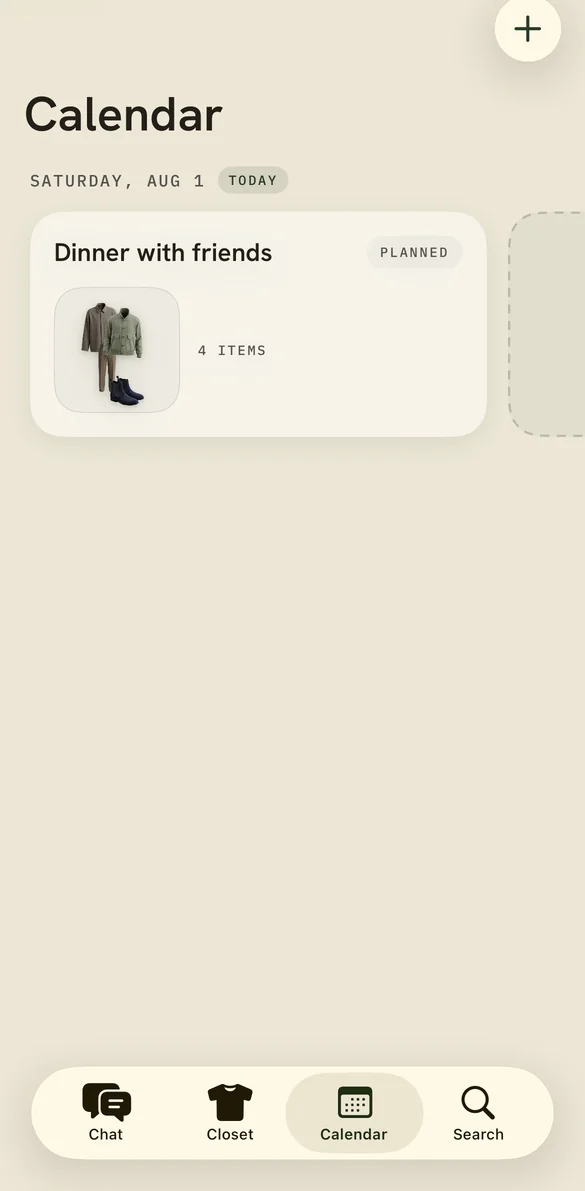
Put an outfit on a day before it arrives. Add the occasion and the time of day, and Lina dresses for it — a work morning is not a Friday evening.
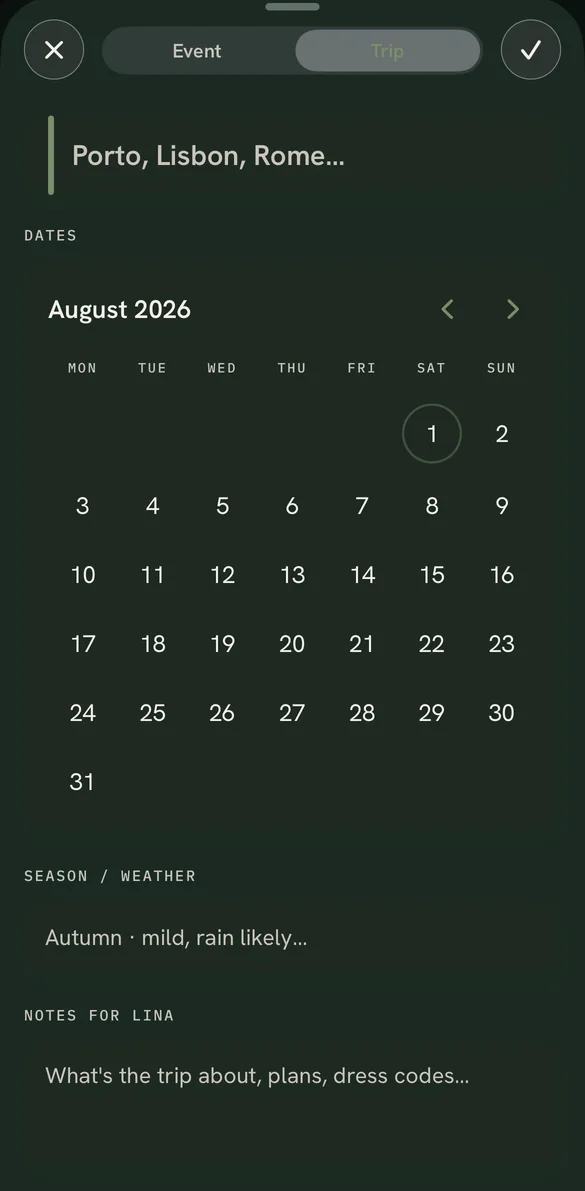
Going away? Make it a trip instead, and pack from what the week actually needs.
Trips
Pack for the week, not the panic.
Give Lina the destinations, the dates and roughly what the weather will do. Tell it what the trip is for — a wedding, a work week, four days of walking — and it packs from what you own.
The same wardrobe, read against a different problem.
Narrow it down
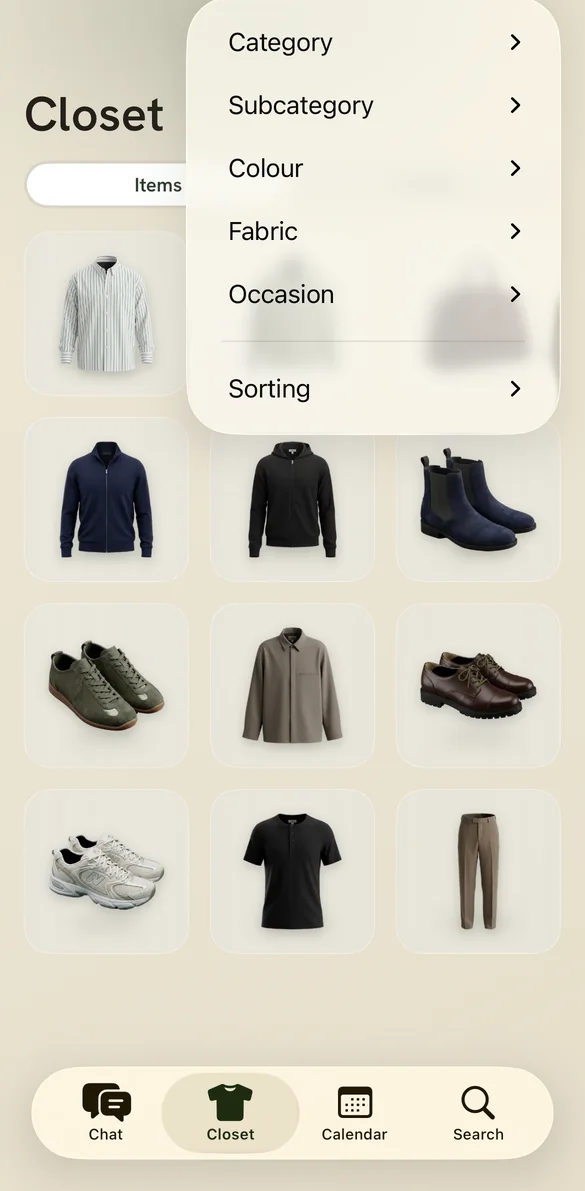
Twelve pieces or two hundred.
Filter by category, colour, fabric or occasion, and sort the result however you like. The wardrobe stays legible whether you catalogued a drawer or the whole room.
Every axis comes from what Lina already read off your clothes. There is nothing to set up.
Now in beta
Go and look in your wardrobe.
Then photograph the first thing you find. That is the whole onboarding — and it is the part people send to a friend.
Join the TestFlight betaQuestions
Before you install it
What do I actually have to do?
Photograph your clothes, one at a time or a full outfit at once. Everything after that happens on its own. Most people do a drawer at a time rather than the whole wardrobe in one evening.
Does my photo leave my phone?
Yes. Images are uploaded and processed in the cloud, and Google Gemini performs the analysis and the restaging. Lina asks for your consent before the first upload and explains exactly what is sent. The privacy policy names every processor and what each one receives.
Which devices does it run on?
iPhone on iOS 26 or later. There is no Android or web version, and none is currently planned.
What does it cost?
Nothing during the TestFlight beta. Pricing after launch has not been set.
Can I delete my account and everything in it?
Account deletion from inside the app removes your wardrobe, your images and your account. See retention and deletion for what is removed and when.
Is the styling advice any good?
It is generated by an AI model working from the clothes you have actually catalogued, which is what makes it more useful than generic advice — and it is still a suggestion, not a rule. Correct it and it remembers what you told it.